


Power BI Data Analytics
Transform raw data into powerful interactive dashboards and earn the Microsoft PL-300 Data Analyst Associate certification.
Duration
40 Hours
Modules
7 Modules
Hands-on
15+ Live Dashboard Labs
Level
Beginner
Next Batch
Enquire About This Course
Our counsellor will call you back shortly
Your details are safe with us
Course Overview
About This Course
The Power BI Data Analytics course teaches you to connect to any data source, model and transform data with Power Query, write DAX measures, and build interactive dashboards that tell clear data stories. Covering everything from basic visuals to Row Level Security, AI-powered Q&A, Copilot integration and Power BI Service deployment, this program prepares you for the PL-300 Microsoft Power BI Data Analyst Associate exam and real-world business intelligence roles. Delivered by a Microsoft Certified Data Analyst who builds enterprise Power BI solutions for finance, retail and healthcare clients.
What You'll Gain
- Live instructor-led training with real-time Q&A
- 15+ hands-on labs building real dashboards in Power BI Desktop and Service
- Full PL-300 exam domain coverage with practice tests
- DAX deep dive — calculated columns, measures and time intelligence
- Power BI Copilot and AI-powered analytics features
- Doubt-clearing sessions after every module
- Lifetime access to recorded sessions
- Portfolio — 3 complete business dashboards across different domains
- Course completion certificate from CheckMyCourse
Prerequisites
- Basic Excel skills — spreadsheets, sorting and simple formulas
- No SQL or programming experience required
- A Windows PC for Power BI Desktop (free)
- Curiosity about data and a desire to turn numbers into insights
Who Should Attend
- Data analysts and business intelligence professionals
- Excel users ready to move to professional BI tools
- Accountants, finance and operations professionals working with data
- Marketing and sales professionals who want self-service analytics
- IT professionals adding data skills to their portfolio
- Students and graduates entering data analytics careers
Course Syllabus
7 modules · 51 topics · 40 Hours total
- Power BI ecosystem — Desktop, Service, Mobile and Embedded
- Power BI workflow — connect, transform, model, visualise, share
- Connecting to data sources — Excel, CSV, SQL Server, SharePoint, web and APIs
- Power BI Desktop interface — report, data and model views
- Introduction to Power Query Editor
- Power BI licensing — Free, Pro and Premium overview
- Hands-on Lab: Connect to multiple data sources and load into Power BI Desktop
Recent Training Videos
Watch free sample lessons from this course before you enrol.
Enrol in PL-300 Training
Join 1,340 students who have trained with CheckMyCourse and are now certified professionals.
- Live instructor-led training with real-time Q&A
- 15+ hands-on labs building real dashboards in Power BI Desktop and Service
- Full PL-300 exam domain coverage with practice tests
- DAX deep dive — calculated columns, measures and time intelligence
- Power BI Copilot and AI-powered analytics features
- Doubt-clearing sessions after every module
- Lifetime access to recorded sessions
- Portfolio — 3 complete business dashboards across different domains
- Course completion certificate from CheckMyCourse
Secure enrollment · No spam
Certificates & Badges
On completing this course and passing the exam you earn a globally recognised Microsoft certification - visible on LinkedIn and verified by employers worldwide.
Microsoft Certified: Power BI Data Analyst Associate
Issued by Microsoft
The PL-300 Microsoft Power BI Data Analyst Associate certification validates your ability to connect and transform data, build analytical models, create visualisations and deploy reports to the Power BI Service. It is one of the most in-demand analytics certifications in the market and is sought by organisations across finance, retail, manufacturing and consulting that rely on Power BI for business intelligence.
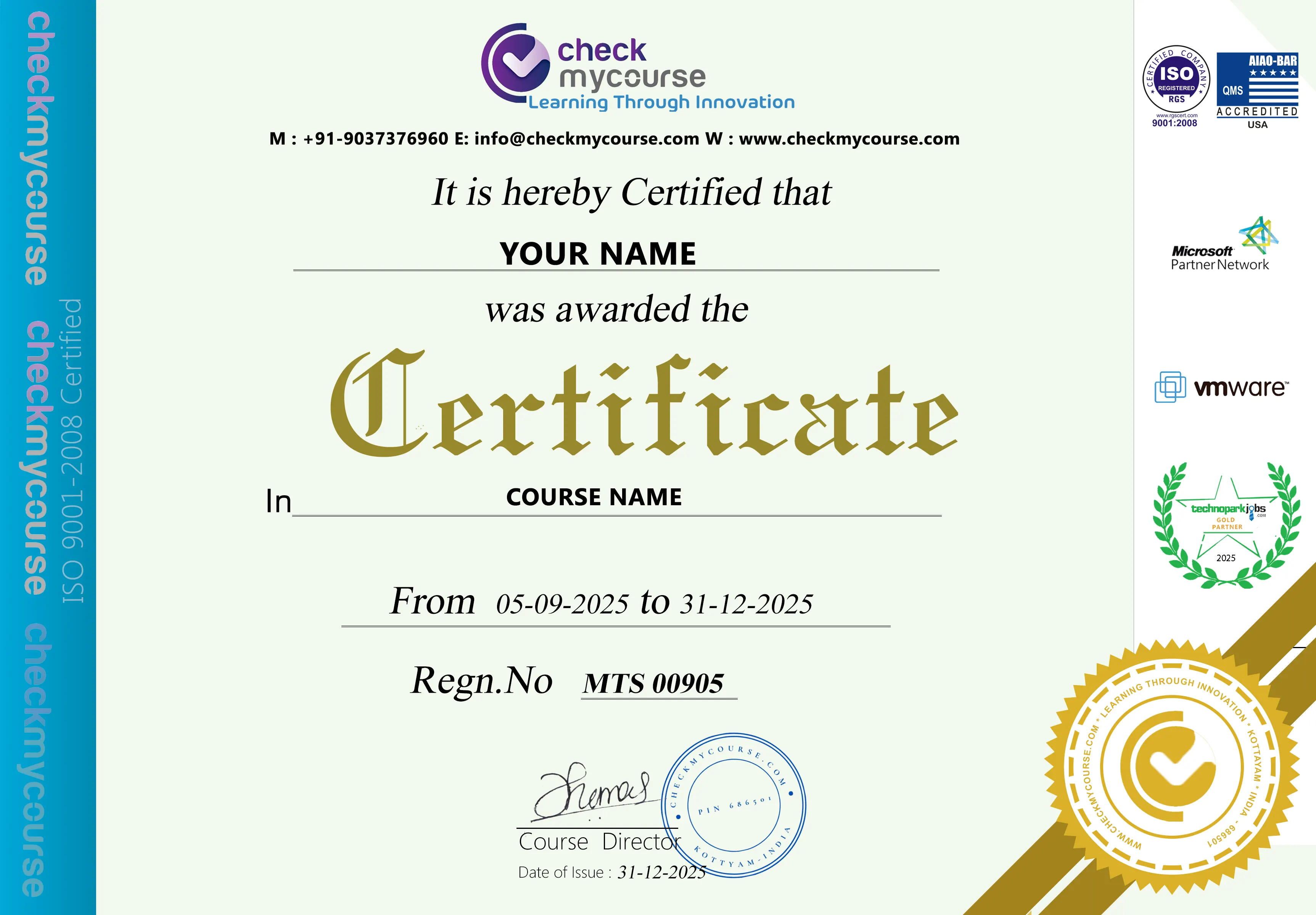
CheckMyCourse Certificate of Completion
Digitally verifiable certificate recognised by 300+ hiring partners across India, GCC, and abroad.
Training Features
Everything you need to pass the exam and land the job - built into one structured program.
Live Instructor-Led Classes
Learn from a Microsoft Certified Data Analyst who builds enterprise Power BI solutions for finance, retail and healthcare.
Weekend & Evening Batches
Complete the course in 5–6 weeks — suitable for working professionals and students.
15+ Live Dashboard Labs
Build real dashboards from scratch — sales, HR and marketing — using actual datasets in Power BI Desktop and Service.
Power BI Copilot & AI Features
Dedicated coverage of Power BI Copilot, Q&A natural language queries, Key Influencers and Smart Narratives.
3 Portfolio Dashboards
Graduate with three complete, shareable Power BI dashboards covering sales, HR and marketing analytics.
PL-300 Exam Preparation
Full-length PL-300 mock exam, domain-weighted study plan and scenario-based question practice.
Lifetime Free Course Refreshment
Re-attend any future batch at no cost — Power BI adds new features every month and the exam is updated annually.
Lifetime Recorded Session Access
Every live session recorded in HD. Revisit complex DAX, data modelling decisions or RLS setup anytime.
Placement Assistance
Data analyst resume building, mock interview preparation and referrals to BI and analytics hiring partners.
Top Job Profiles
PL-300 certified professionals are among the highest-paid in the IT industry. Here are the roles and packages you can target after certification.
Power BI Developer / Data Analyst
Top Companies
Business Intelligence Analyst
Top Companies
Data Analyst
Top Companies
Financial Analyst (Data)
Top Companies
Reporting & Analytics Manager
Top Companies
Freelance BI Consultant
Top Companies
Book Your Certification Exam
The PL-300 exam is administered by Pearson VUE on behalf of Microsoft. Our team guides you through the booking process step by step.
Exam Details
Microsoft Power BI Data Analyst - PL-300
Ready to Certify?
Once you complete the course and feel exam-ready, our team will walk you through the official exam registration and booking process.
Frequently
Asked Questions
Still have questions? Our counsellors are happy to help.
No — basic Excel skills are all you need. Power Query uses a visual interface for most transformations. DAX (the formula language) is taught from complete scratch starting with simple SUM measures before building to CALCULATE and time intelligence. No prior coding experience is required.
Next batch
2026