
YouTube Marketing with AI
Grow a YouTube channel, run profitable YouTube Ads and use AI tools to produce and optimise video content at scale.
Duration
40 Hours
Modules
5 Modules
Hands-on
10+ Live Labs
Level
Beginner
Next Batch
Enquire About This Course
Our counsellor will call you back shortly
Your details are safe with us
Course Overview
About This Course
The YouTube Marketing with AI course trains you to build and monetise a YouTube channel, run profitable YouTube Ad campaigns via Google Ads, and use AI tools to produce, optimise and scale video content. You will learn YouTube SEO, thumbnail design with Canva AI, scripting with ChatGPT, video editing with AI tools, YouTube Analytics and YouTube Ads targeting. Fully updated for 2025 with YouTube Shorts strategy, AI dubbing and Google's AI-powered video ad features. Delivered by a certified YouTube creator and Google Ads professional with channels exceeding 100K subscribers.
What You'll Gain
- Live instructor-led training with real-time Q&A
- 10+ hands-on labs on a live YouTube channel and Google Ads account
- AI tools — ChatGPT for scripts, Canva AI for thumbnails, YouTube AI features
- YouTube SEO — titles, descriptions, tags, chapters and cards
- YouTube Ads — in-stream, in-feed, bumper and Shorts ads
- Doubt-clearing sessions after every module
- Lifetime access to recorded sessions
- Portfolio — optimised YouTube channel and first ad campaign
- Course completion certificate from CheckMyCourse
Prerequisites
- No prior YouTube or video marketing experience required
- A Google/YouTube account
- A smartphone or basic camera for optional video creation practice
- Basic computer skills
Who Should Attend
- Beginners wanting to start and grow a YouTube channel
- Business owners using YouTube for brand building or lead generation
- Content creators and influencers expanding to YouTube
- Digital marketers adding YouTube Ads to their skill set
- Educators, coaches and course creators building a YouTube audience
- Freelancers offering YouTube channel management services
Course Syllabus
5 modules · 37 topics · 40 Hours total
- YouTube ecosystem — search engine, algorithm and recommendation system
- Niche selection — audience demand, competition and monetisation potential
- Channel setup — branding, banner, about section and channel trailer
- YouTube Studio walkthrough — dashboard, analytics and settings
- YouTube algorithm — click-through rate, watch time and session starts
- AI channel strategy — using ChatGPT to find content gaps and video ideas
- Hands-on Lab: Set up a branded YouTube channel with optimised profile and trailer
Recent Training Videos
Watch free sample lessons from this course before you enrol.
Enrol in YouTube AI Training
Join 1,420 students who have trained with CheckMyCourse and are now certified professionals.
- Live instructor-led training with real-time Q&A
- 10+ hands-on labs on a live YouTube channel and Google Ads account
- AI tools — ChatGPT for scripts, Canva AI for thumbnails, YouTube AI features
- YouTube SEO — titles, descriptions, tags, chapters and cards
- YouTube Ads — in-stream, in-feed, bumper and Shorts ads
- Doubt-clearing sessions after every module
- Lifetime access to recorded sessions
- Portfolio — optimised YouTube channel and first ad campaign
- Course completion certificate from CheckMyCourse
Secure enrollment · No spam
Certificates & Badges
On completing this course and passing the exam you earn a globally recognised Microsoft certification - visible on LinkedIn and verified by employers worldwide.
Google Ads Video Certification
Issued by Google
The Google Ads Video Certification (free via Skillshop) validates your ability to create and run effective YouTube ad campaigns. Combined with the YouTube Creator Academy badge, these credentials demonstrate both organic channel growth and paid video advertising expertise to employers and clients.
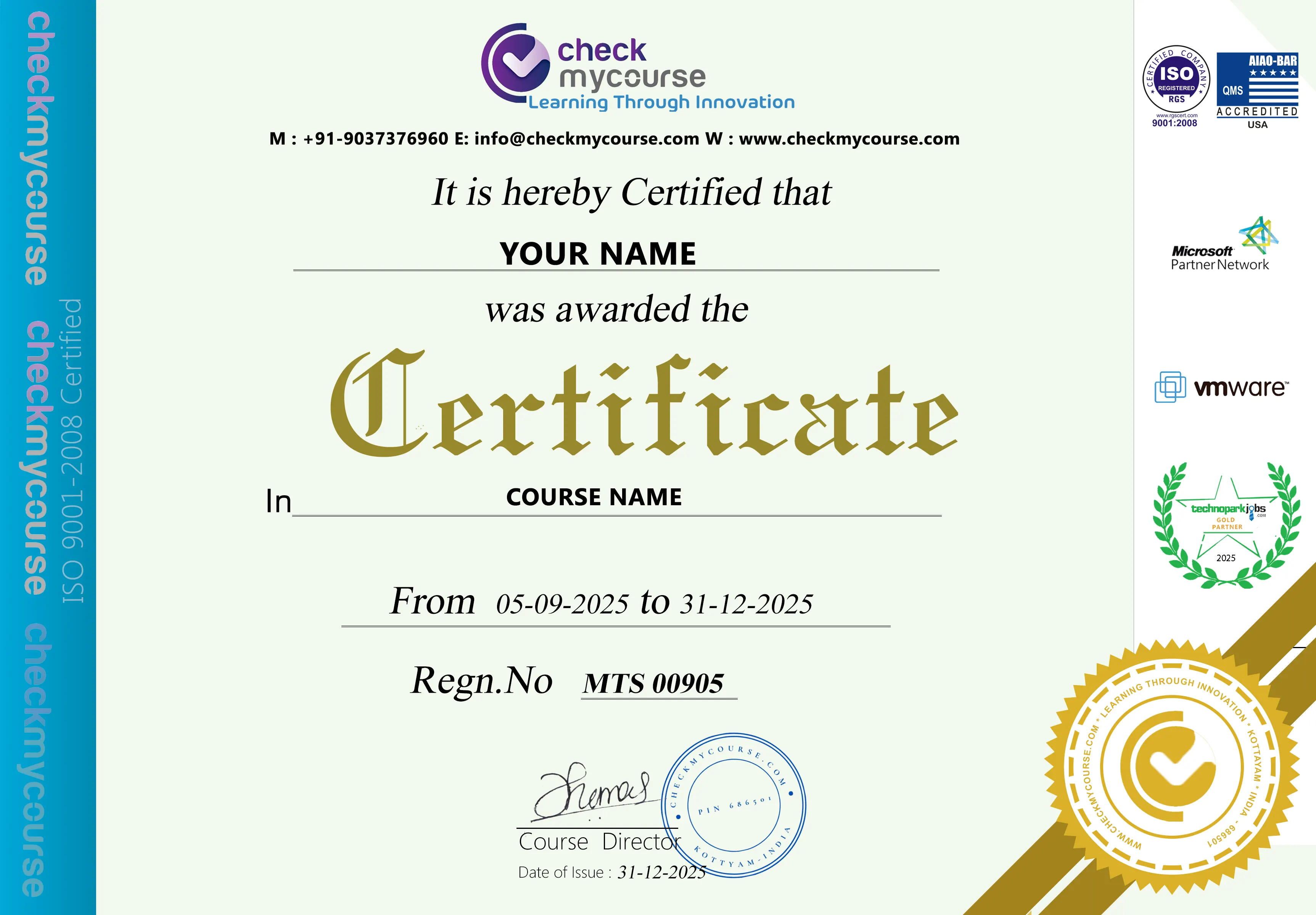
CheckMyCourse Certificate of Completion
Digitally verifiable certificate recognised by 300+ hiring partners across India, GCC, and abroad.
Training Features
Everything you need to pass the exam and land the job - built into one structured program.
Live Instructor-Led Classes
Learn from a certified YouTube creator and Google Ads pro managing channels with 100K+ subscribers.
Weekend & Evening Batches
Complete the course in 3–4 weeks — ideal for creators, business owners and marketers with busy schedules.
10+ Live Channel & Ads Labs
Optimise a real YouTube channel, run a live YouTube Ads campaign and build thumbnails with Canva AI.
AI Tools Throughout
ChatGPT for scripts, Canva AI for thumbnails, Pictory/Descript for editing, ElevenLabs for dubbing.
Portfolio Project Included
Deliver an optimised channel audit and first YouTube Ads campaign report you can show to clients.
Global Batch & Flexible Timings
Time-zone-friendly batches for GCC, UK, Australia, Canada & NZ with lifetime recording backup.
Lifetime Free Course Refreshment
Re-attend any future batch as YouTube algorithm changes and AI production tools evolve.
Lifetime Recorded Session Access
Every live session recorded in HD. Revisit YouTube SEO techniques, Shorts strategy or Ads labs anytime.
Freelance & Career Guidance
YouTube channel management portfolio guidance and tips on landing creator or paid social roles.
Top Job Profiles
YouTube AI certified professionals are among the highest-paid in the IT industry. Here are the roles and packages you can target after certification.
YouTube Channel Manager
Top Companies
Video Marketing Specialist
Top Companies
Paid Social / Video Ads Specialist
Top Companies
Content Creator (YouTube)
Top Companies
Digital Marketing Executive
Top Companies
Video Marketing Consultant (Freelance)
Top Companies
Book Your Certification Exam
The YouTube Ads exam is administered by Google Skillshop. Our team guides you through the booking process step by step.
Exam Details
Google Ads Video Certification - YouTube Ads
Ready to Certify?
Once you complete the course and feel exam-ready, our team will walk you through the official exam registration and booking process.
Frequently
Asked Questions
Still have questions? Our counsellors are happy to help.
You need a Google account to create a YouTube channel (free). Labs are conducted on a live channel. If you already have a channel, you will get more value from the optimisation labs. The instructor will guide you through creating and branding a practice channel if needed.
Next batch
2026